

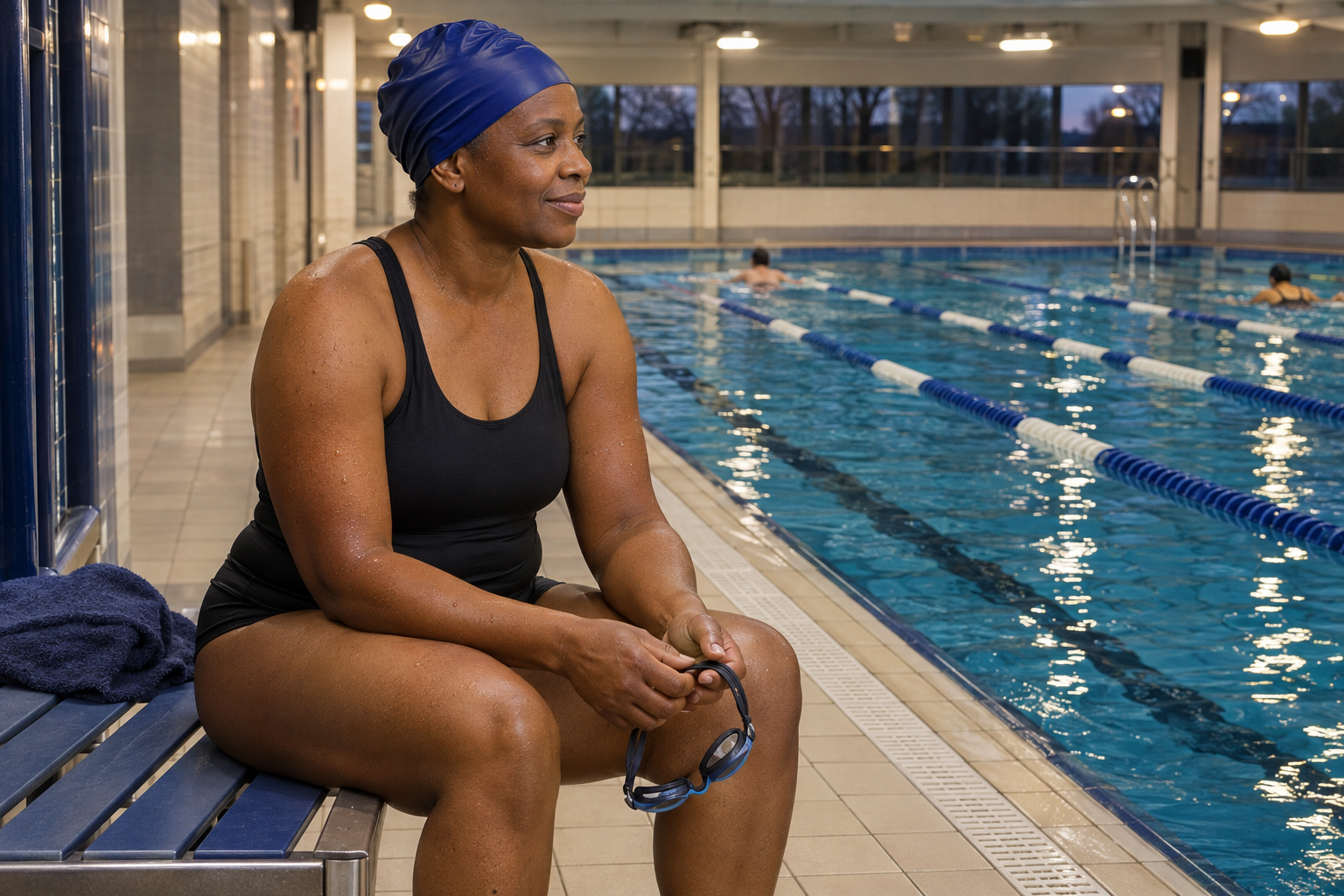
If your usual lane swim keeps filling up, open the pool timetable and choose a second slot where you can swim lengths. Check how you get in and whether the whole trip fits before you count it as a backup.
Check what the session name means
Look beyond “Lane Swim” on the timetable. Active Leeds lists public swims with one or two lanes for lengths. Check the description for your pool. If it’s unclear, ask reception: “Is there a lane for swimming lengths during that session, and do I need to book it?”
Ask how far ahead you can book or, for a walk-in swim, when you should arrive. Places Leisure explains that some centres take advance bookings and others accept walk-ins. Check any session requirements, especially if you’re trying a different pool. A walk-in slot can fill up too.
Put both options in your diary
Use one line per option: day and time / pool and session / how to get in / total time away. Count travel, changing and any time you need to allow before the session.
Example: Your Tuesday 6 pm lane swim needs an advance booking and takes about 70 minutes door to door. At the same pool, Saturday’s 9 am public swim has a confirmed lane for lengths. It takes walk-ins, so you allow time to arrive early and block out 80 minutes. If Tuesday is still full at lunchtime, you switch to Saturday. If Saturday fills too, leave that week there and try again when the next bookings open.
After a few weeks, look at which slot you actually used. If you already record swims with a compatible device or app, MOTRA can show supported workouts in your history. The swim date can jog your memory, or you can put a tick next to the slot in your diary. If Saturday keeps working, give it first place next week.