

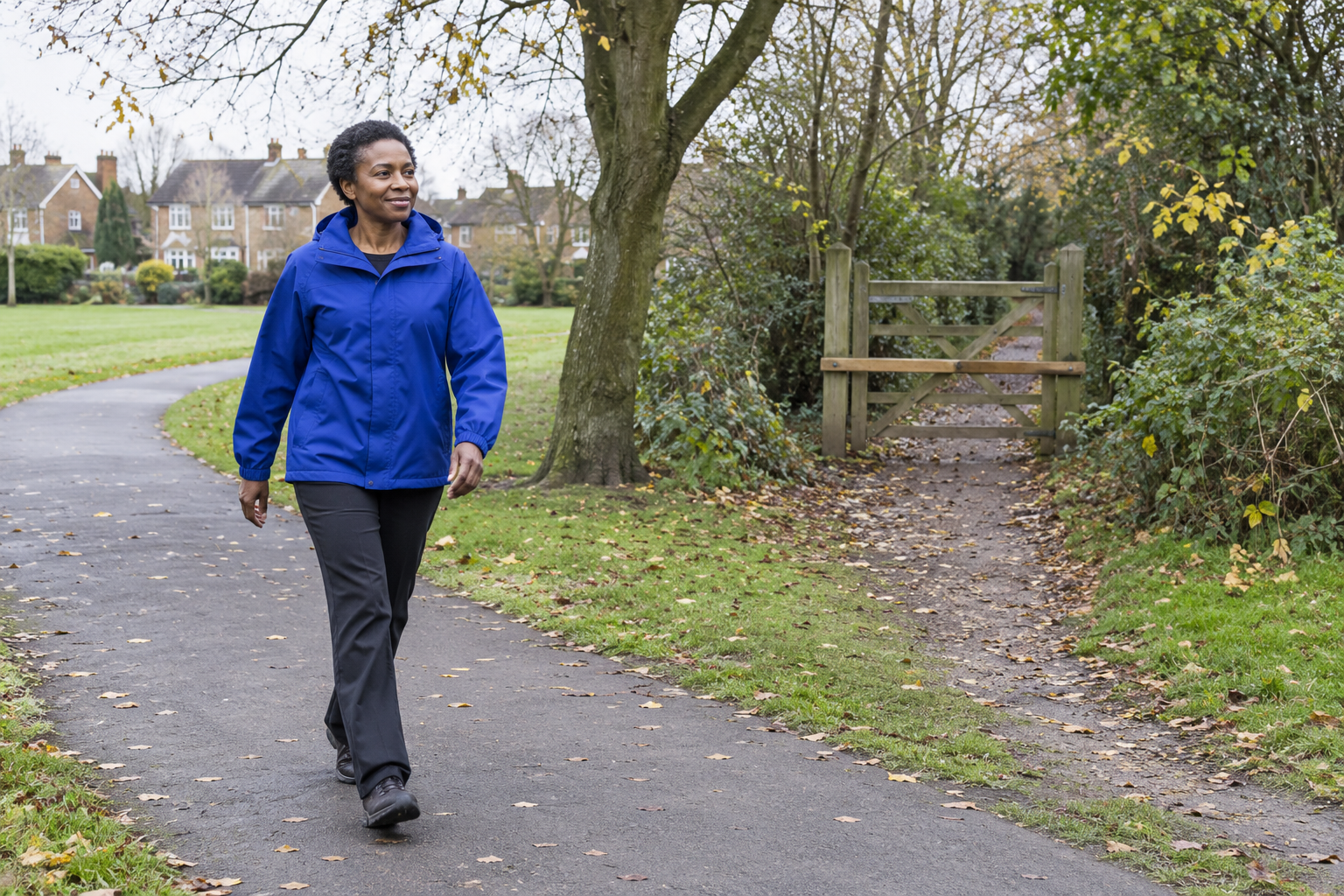
Keep your usual lunchtime start, but change where you walk. Before you go out, check which stretch of your footpath is closed. If the diversion is too long for lunch, pick a shorter public route you already know that avoids the closure altogether.
Find out what’s closed
Start with the notice at the path or your council’s rights of way page. Look for the affected stretch and any signed alternative. For example, Gloucestershire County Council shows temporary path closures on its rights of way map and links to plans for some diversions. If the notice and your usual route app disagree, follow the closure notice. If you can’t tell whether a stretch is open, take a different route.
The diversion is there to get you around the closure. You don’t have to use it for a walk that starts and ends in the same place. Think of a familiar loop that branches off before the closed section and gets you back without rushing. Check that it’s open and that the crossings and surfaces suit you.
Give the temporary route a place in your week
Example: Your usual bridge circuit takes about 25 minutes, but the bridge is shut for repairs and the signed diversion goes well beyond your lunch break. The short loop past the library takes about 18 minutes. It stays on public pavements and doesn’t use the bridge. Try it at your usual time and leave yourself a few minutes to get back inside.
If it works, change the note in your diary to “12:30 walk: library loop until the bridge reopens.” You’ve made the route decision once, before you put your shoes on. Check for an update before switching back, especially if the works run past the date on the first notice.
If your walks already sync to MOTRA from a supported device or app, the dates and durations in your workout history can help you see whether the shorter loop fits. You can just as easily check the clock when you get back. An unrecorded walk still does the job.