

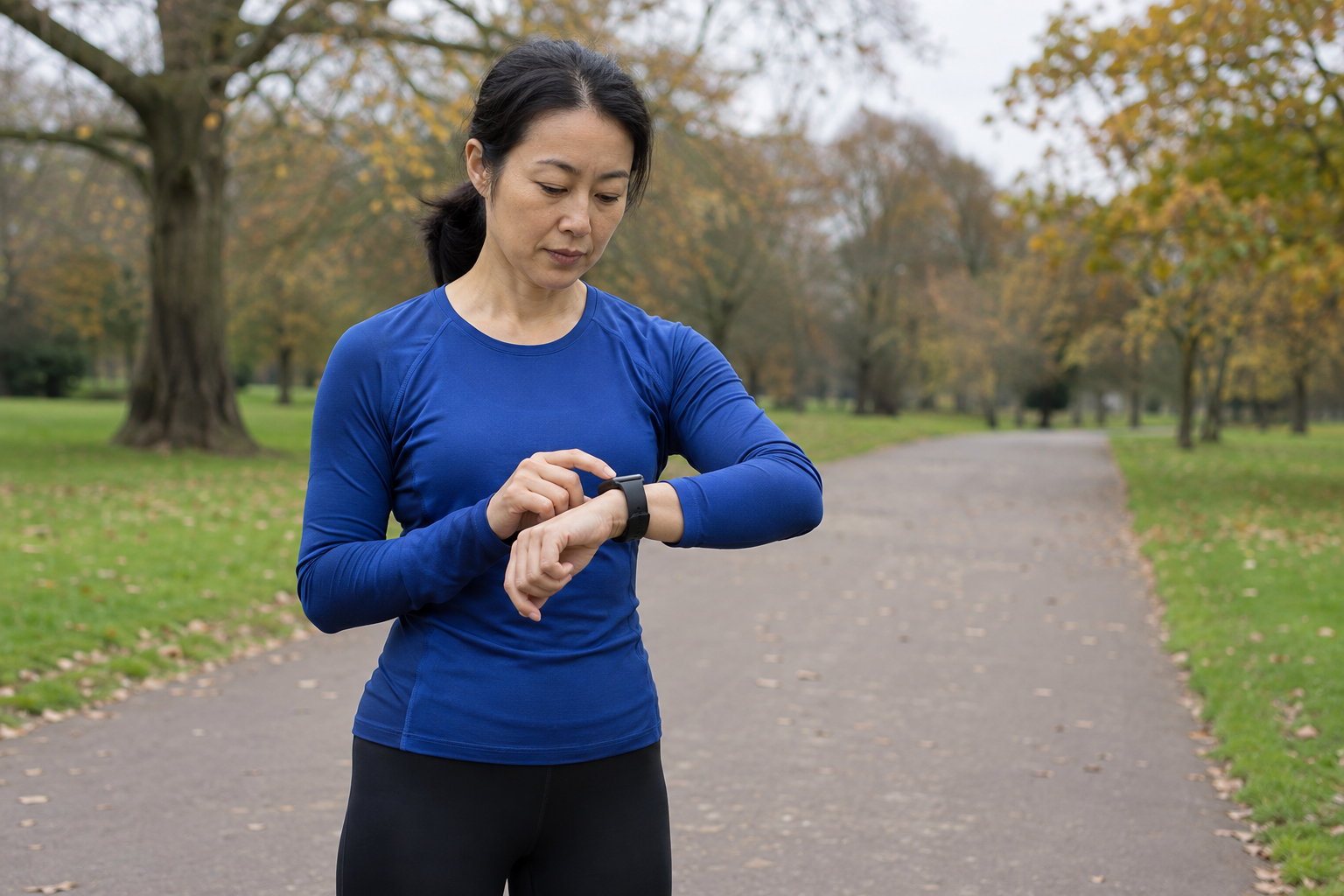
Apple Watch can save power while still measuring workout heart rate. What changes depends on the mode you choose, your watch and its software. Before a long run, check which measurements and alerts that particular setting keeps.
Start with what you want from the recording. Do you need split alerts during the run? Running-form metrics afterwards? Or is keeping a record through a long outing your main concern? Those questions make the battery choice more useful than simply choosing the longest advertised runtime.
Low Power Mode still records a workout
Apple's Low Power Mode guidance says heart rate and pace are still measured when you use its Workout app in Low Power Mode. Background heart-rate measurements are among the features it turns off. Background measurements and measurements during a recorded workout are different things.
Low Power Mode also changes connectivity and notifications. Read Apple's full explanation before relying on the watch for communication during an outing.
Check the newer Extended options
In watchOS 27, Apple's workout guide describes this route: open Workout, choose the activity, tap the Goals button, then Extended. Select Extended Workout or Max Extended Workout if available. Both turn on Low Power Mode. Max Extended is offered for Outdoor Walk, Outdoor Run and Hiking, with some metrics and splits unavailable.
For Apple Watch Ultra 4 specifically, Apple's battery notes say Extended Workout makes running-form metrics unavailable. Max Extended also turns off alerts and splits, with certain metrics unavailable. Check the guidance for your own model rather than applying Ultra battery figures to every watch.
If your watch has the older Fewer Readings setting
Apple's Low Power Mode guide also describes Fewer GPS and Heart Rate Readings on supported watches. It reduces sampling during outdoor walks, runs and hikes when Low Power Mode is active. Workout alerts are off, splits and segments are not recorded, and current pace is unavailable.
That menu is different from the newer Extended choices. Follow the instructions that match your software rather than assuming the names describe identical behaviour.
Try the choice before the long outing
Use a short, familiar session to check the mode you intend to use. Afterwards, open the saved workout and inspect the information you care about. Note the mode alongside the session so you can make sense of the record later. This is a practical check, not a controlled battery test or a promise of extra hours.
For MOTRA, the useful connection is the heart-rate data that reaches the app. MOTRA may be unable to verify effort when the source does not provide heart-rate samples. If the workout arrives without them, use the source-by-source heart-rate checklist to trace the recording and connection.
Choose the battery setting before you leave, with a clear idea of which parts of the workout record you want to keep.